For this exercise, you'll need:
- An external 5.25" USB/FireWire Mass Storage case:
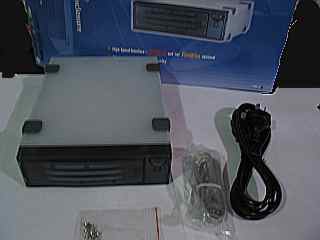 Note that it must be one of the 5.25" ones (i.e., wide enough to fit a CD-ROM or similar), not one of the smaller ones.
 - One or more mobile IDE hard disk racks.
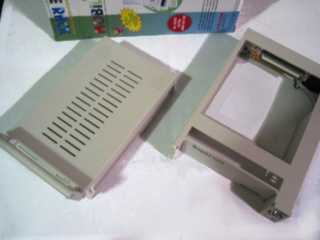
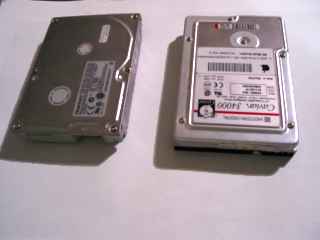
- Some old hard disks, as mentioned above.
Open the USB mass storage case and mount the outer tray of the rack where the CD-ROM unit would go, connecting all the necessary cables.
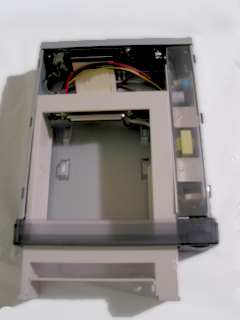
Then mount a hard disk in the inner tray.
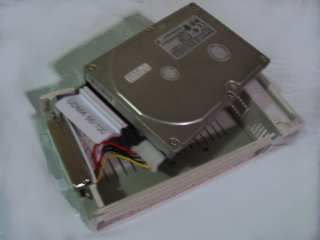
Repeat for other hard disks and racks.
Voilà! Now you can access your old hard disks as USB Mass Storage devices, and swap between them. (Note that you should switch off the case before removing disks, otherwise your machine will have a fit. And if it doesn't work properly, make sure the hard disk is slotted in firmly before switching it on.)
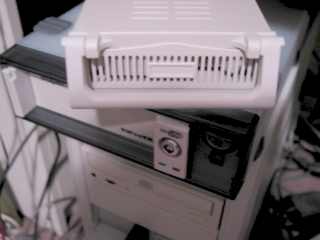
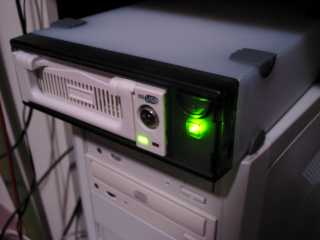
If you have spare IDE device space, you can of course forgo the external USB case.